


How MisterSaaS chooses CRM software
How MisterSaaS turns buyer signals, pricing friction, plan-limit pressure, and editorial judgment into practical CRM recommendations.
Last updated: 2026-07-12. CRM recommendation approach reviewed: 2026-07-12.
MisterSaaS publishes CRM guidance for buyers who need a practical short list, not another feature parade. This page explains how to read our CRM recommendations: who each tool fits, where the catch is, and what to verify before a team moves sales data, budget, and workflow into a CRM.
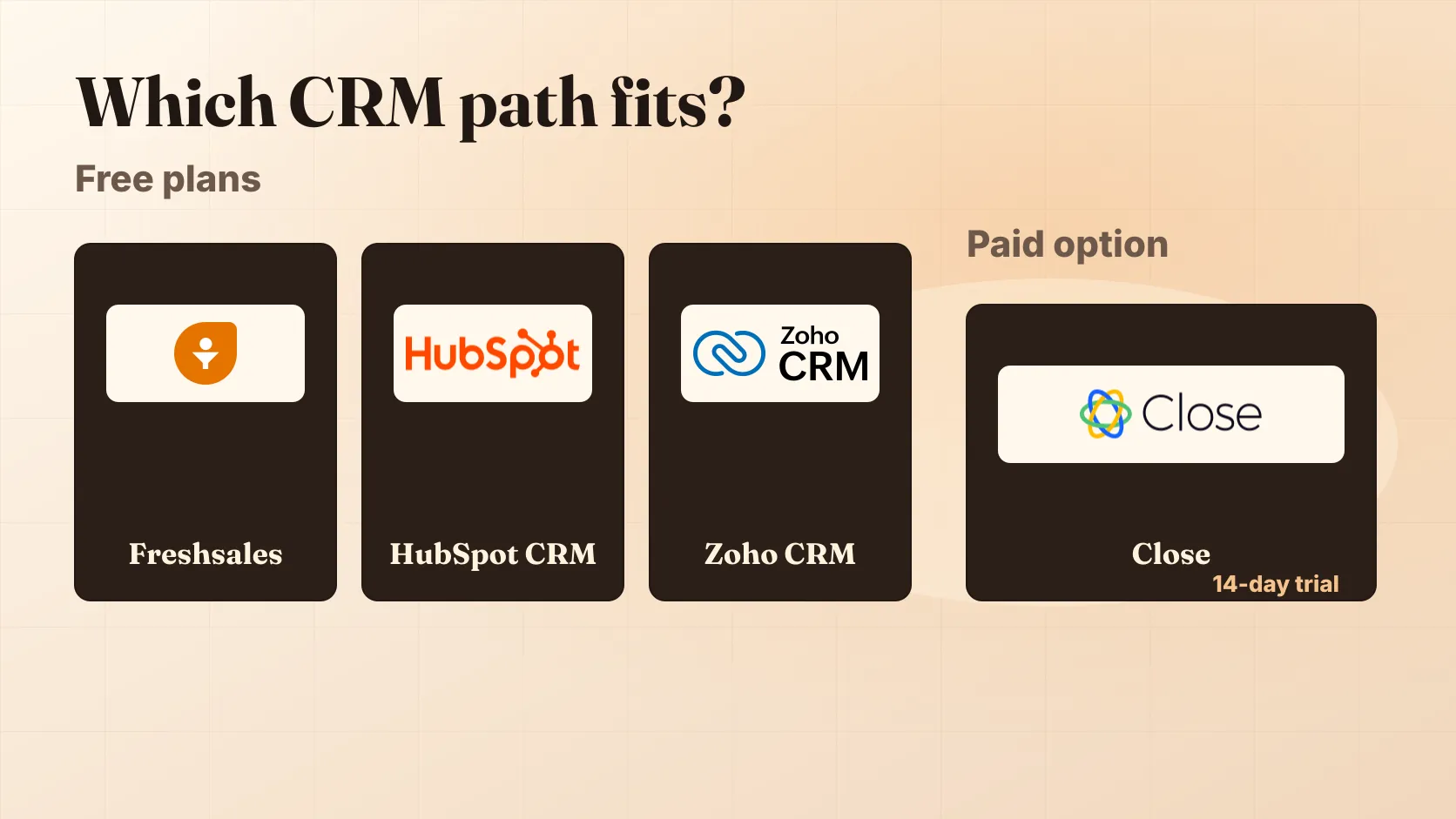
For the current live CRM starting point, use the MisterSaaS CRM hub. If a permanent no-cost plan is the main requirement, start with the free CRM shortlist.
What this CRM methodology page is for
This is the CRM-specific companion to our broader editorial policy. The editorial policy explains the sitewide promise. This page explains how that promise turns into CRM buying guidance for small B2B teams, founder-led sales teams, and software companies comparing sales tools.
CRM decisions are unusually easy to get wrong because a cheap-looking plan can become expensive once seats, limits, calling, automation, support, add-ons, and migration work enter the picture. MisterSaaS focuses on the buyer questions that change the decision before a contract or import begins.
| Reader question | What our CRM pages should answer |
|---|---|
| Is this CRM a fit for my team? | Best-for and avoid-if guidance tied to team size, sales motion, admin effort, and workflow complexity. |
| Where does the cost get tricky? | Pricing friction, plan-limit pressure, trial/free-plan caveats, and add-ons to verify before buying. |
| What should I compare next? | Practical alternatives, including when a free CRM is enough and when a paid outbound or revenue-operations tool may fit better. |
| What is still uncertain? | Plain caveats readers can act on, especially around regional pricing, changing plan limits, integrations, and commercial terms. |
How to read a MisterSaaS CRM recommendation
Our CRM recommendations are scenario-based. A founder choosing a first CRM, a small outbound sales team, and a software company with multi-stage revenue operations may need different answers.
When a CRM page recommends a product, look for five parts of the judgment:
- Best for: the buyer situation where the tool makes the most sense.
- Avoid if: the condition that should push a reader toward a different option.
- The catch: the friction that matters before the tool becomes part of a sales process.
- Pricing and plan pressure: the limits, billing basis, add-ons, or upgrade path a buyer should confirm.
- Next comparison: the nearby CRM, free plan, pricing page, or category route that helps test the recommendation.
We do not use universal star ratings, numeric scores, unsupported “best overall” claims, cheapest/best-deal claims without current support, or aggregate review-rating claims. A useful best-of page should explain why a product fits a specific buyer and why another buyer may be better served elsewhere.
What we verify before CRM guidance can shape a buying decision
MisterSaaS CRM pages start with vendor-published product, pricing, plan, trial, documentation, and partner details where those details affect a recommendation. We then turn the facts into buyer-fit guidance: what the pricing shape may pressure a small team to do, which workflow trade-offs matter, and which alternatives deserve a look.
Before a CRM recommendation becomes confident, we check whether the page can answer these buyer-facing questions:
| Check | Buyer-facing standard |
|---|---|
| Product scope | The page is clear about which CRM product, bundle, edition, or sales module it discusses. |
| Pricing shape | Billing period, unit, currency or region, free-plan/trial terms, taxes, add-ons, support, usage costs, and seat constraints are represented carefully when they matter. |
| Plan limits | Free-plan caps, automation limits, pipeline limits, reporting limits, calling/SMS limits, AI credits, and integration constraints are not smoothed over. |
| Buyer fit | The recommendation explains the sales motion and team situation, not just a feature list. |
| Commercial disclosure | If a page includes affiliate, sponsored, referral, or otherwise monetized links, the relationship is visible before the reader acts. |
| Review scope | A page does not imply first-hand product use unless it clearly describes what was used, when, by whom, and what evidence was captured. |
If support is thin for a claim, we leave it out or turn it into a verification step for the reader.
How we handle pricing uncertainty, trials, and free-plan caveats
CRM pricing changes, varies by region, and often depends on billing term, seat count, add-ons, usage, and support tier. A useful MisterSaaS pricing note should help readers ask better questions before checkout or a sales call.
When pricing is unclear, localized, conditional, or missing important billing context, our pages should say what to confirm instead of pretending the total cost is settled. For example, a free CRM guide should not stop at “free.” It should also help the reader check user caps, record limits, automation limits, upgrade pressure, and whether a trial converts into a plan that still fits the workflow.
That is why our free CRM shortlist emphasizes limits and upgrade pressure, not just the existence of a free tier. A free plan can be the right answer for a very small team and the wrong answer for a team that will quickly need paid automation, reporting, or support.
Commercial relationships and independence
MisterSaaS may earn money from advertising, affiliate links, referral links, or other commercial relationships on some pages. Commercial availability is not a ranking factor by itself. A non-affiliate product can still be the right editorial recommendation, and a product with an affiliate program does not receive a stronger recommendation unless the buyer-fit case supports it.
When a page includes monetized links, the disclosure should be visible before the commercial action. The broader policy is explained in our affiliate disclosure.
Corrections and editorial ownership
CRM products change. Pricing pages move, free plans get new limits, integrations are added or retired, and vendors revise packaging. MisterSaaS may update a page when a product changes, documentation is revised, or a reader or vendor flags a factual correction.
For corrections, use the contact page and include the page URL, the exact claim, and the public material that supports the correction. The MisterSaaS editorial desk owns CRM methodology and page-level editorial judgment.
Where to go next
- Start with the CRM hub for the current category entry point.
- Compare no-cost options in the best free CRM guide.
- Read the editorial policy for the sitewide independence and corrections promise.
- Read the affiliate disclosure for commercial relationship boundaries.
The MisterSaaS editorial desk prepares CRM and sales-software buying guides for small B2B teams.
Found a pricing change or source issue? Use the contact page so the editorial desk can review it against current vendor information.
Continue reading
Freshsales Review (2026): Free Plan & Pricing
A practical Freshsales review for small sales teams comparing the free-plan boundary, paid upgrade triggers, total-cost questions, alternatives, and a 21-day trial plan.
Best free CRM software for small teams
Compare free CRM software for small teams by user limits, workflow fit, upgrade pressure, paid-plan caveats, and when free stops being useful.
CRM Software for Small B2B Teams
MisterSaaS CRM hub for reviews, pricing notes, comparisons, shortlist guidance, and practical small-team software checks.